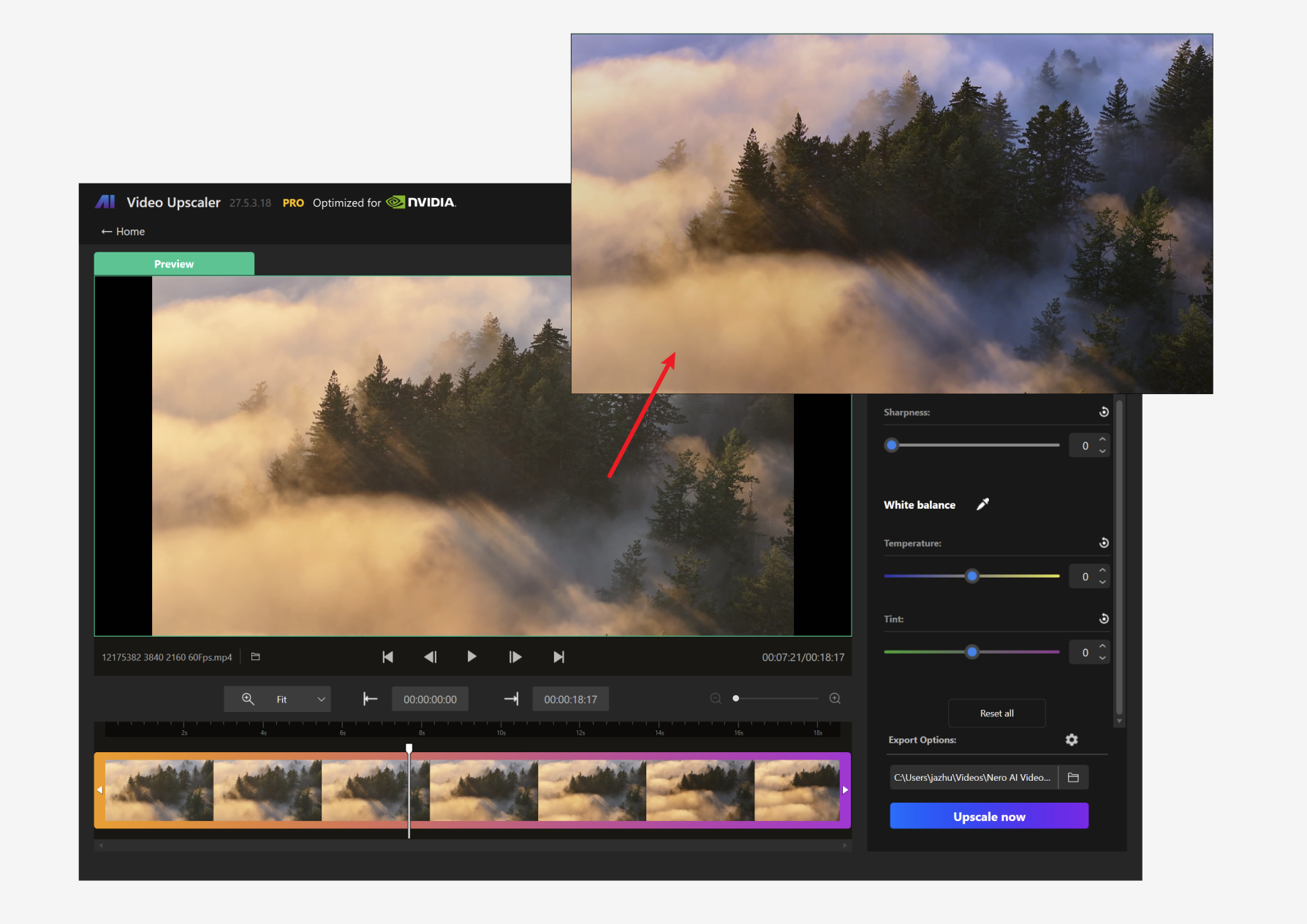
Batch processing, new model for restore details, and customizable presets
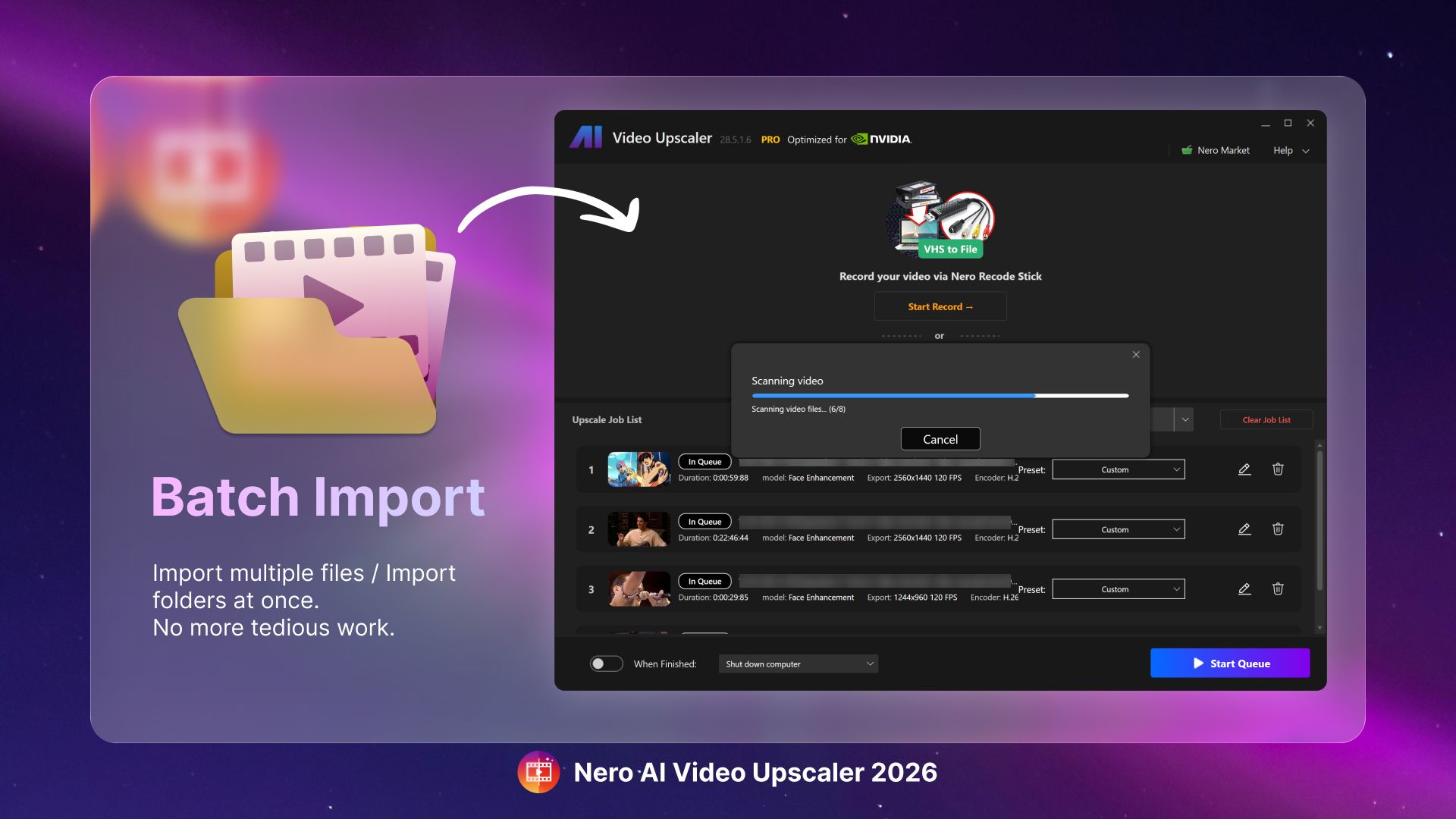
We're thrilled to bring a substantial update to the Nero AI Video Upscaler, featuring incredible new tools and improvements to elevate your video enhancement experience.
New Features and Improvements
Enhanced Import Functionality
Batch Import: Easily import multiple video files concurrently for processing.
Directory Import: Seamlessly add an entire folder of video files in one go.
Advanced Processing Models
Restoration Model: Experience our latest upscaling model that is specifically designed to restore intricate details meticulously, offering unparalleled output quality.
Personalized Workflow
Save Presets: Now, save your own upscaling configurations alongside factory presets.
Preset Application: Utilize saved configurations during batch processing for a streamlined experience.
How To Use
To make the most of this update, import multiple videos, apply your desired saved preset, and then efficiently export the enhanced videos in a batch.
We hope you enjoy these enhancements as much as we enjoyed creating them for you. Your feedback is invaluable in shaping the future of Nero AI Video Upscaler!